
Teams, Zoom and Meet rooms that start with one touch
Walk in, press start, be heard. Every remote participant sees and hears the room as if they were there.
Signs it’s time to act
Hybrid work only works when the technology disappears. We design, install and tune Microsoft Teams Rooms, Zoom Rooms and Google Meet spaces so every meeting starts on time and everyone is seen and heard.
A huddle room, a boardroom and a training room each need their own camera coverage, microphone pickup and display size. We size the equipment to the room, not the other way around.
What you gain
- Certified Teams, Zoom or Google Meet hardware, no workarounds
- Audio tuned so remote participants hear every voice around the table
- One-touch join from the touch panel
- Guests and other platforms supported (BYOD)
- Identical rooms from one floor or office to the next
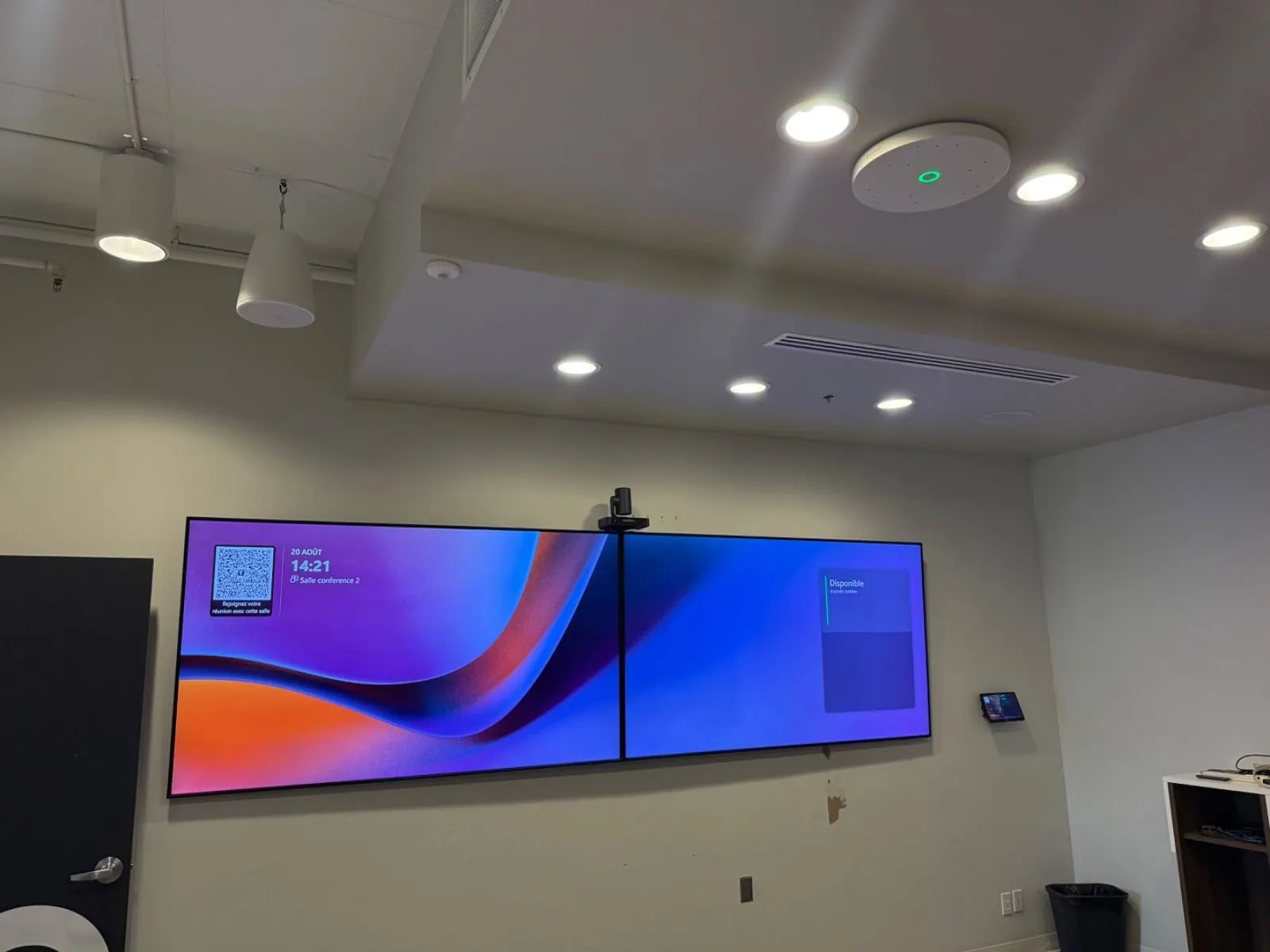
A large flexible room turned into a Microsoft Teams room
- Problem
- The main meeting and training room is a large flexible space: anyone had to be able to start a meeting, whether a few people sat by the screens or the whole room was full.
- Solution
- Microsoft Teams Rooms Yealink MVC S80 with a four-lens 4K camera, a second camera for the rest of the room, two Sennheiser ceiling microphones, Bose speakers, Q-SYS processing.
- Timeline
- 2 days on site
What’s included
Brands we install: Yealink · Neat · Logitech · Cisco Webex · Sennheiser · Shure · Q-SYS
Four steps, one accountable team
20-minute call
You describe the room and what isn't working. We tell you honestly whether we can help, with a first price range.
Site visit and plan
On-site survey, plan and elevation drawings, and a detailed quote room by room. No surprises on the invoice.
Installation
Our own technicians and cabling, on your schedule — evenings included, so your rooms stay available.
Training and support
Hands-on training for your team, full documentation, then a single number to call afterwards.
Assess my room: let’s talk for 20 minutes
No sales pitch: you describe your situation, an advisor replies with a concrete recommendation and a price range.
- 1 877 919-5757or 438-804-5757
- info@htsolutions.casame-business-day reply
- BouchervilleGreater Montreal, South Shore, Laval, across Quebec and in Ontario
- Monday to Friday8 a.m. to 5 p.m.
Frequently asked questions
Do we need to change platforms to equip a room?
No. We start from the platform you already use (Teams, Zoom or Google Meet) and recommend hardware certified for it.
Is a video bar enough?
In a small room, often yes. Once the table gets longer, voices at the far end sound distant: we then add table or ceiling microphones and distributed speakers.
How long does installation take?
One to two days on site for a typical room. The large flexible room in Brossard was delivered in two days, training included.
Often combined with
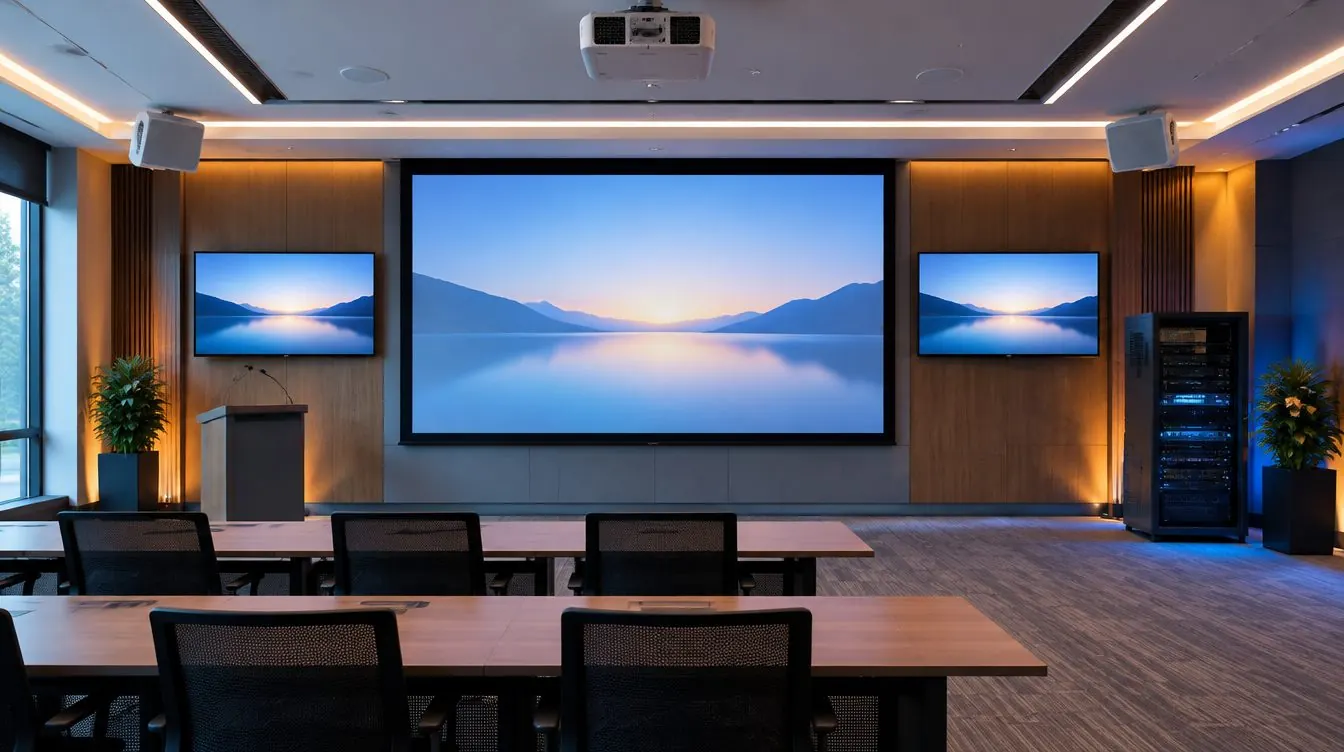
Audio-video integration
“We have good equipment, but nothing talks to each other.”
Displays, audio, sources and control brought together as one documented system, from a single room to a whole building.
Book a free site visit →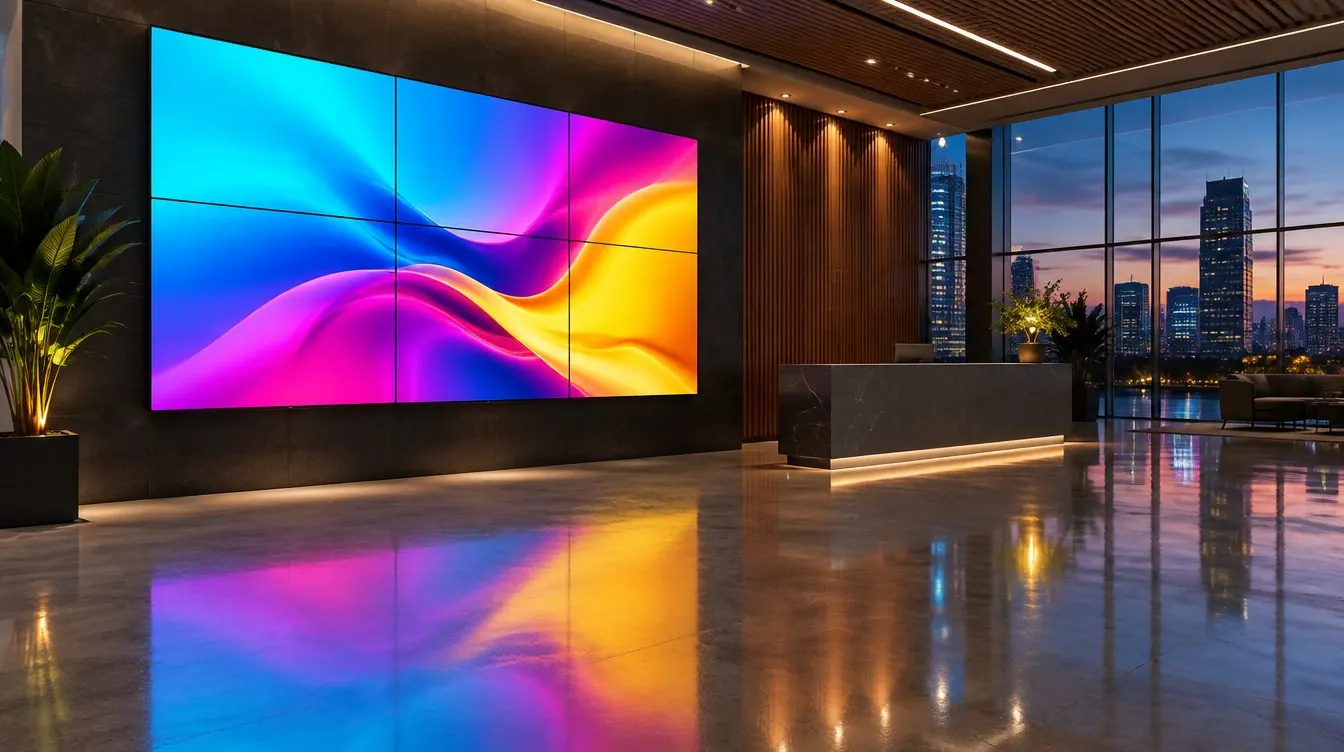
Digital signage
“Updating our screens takes half a day.”
Commercial displays and scheduled content from one place, no USB sticks and no walking floor to floor.
Scope my screen network →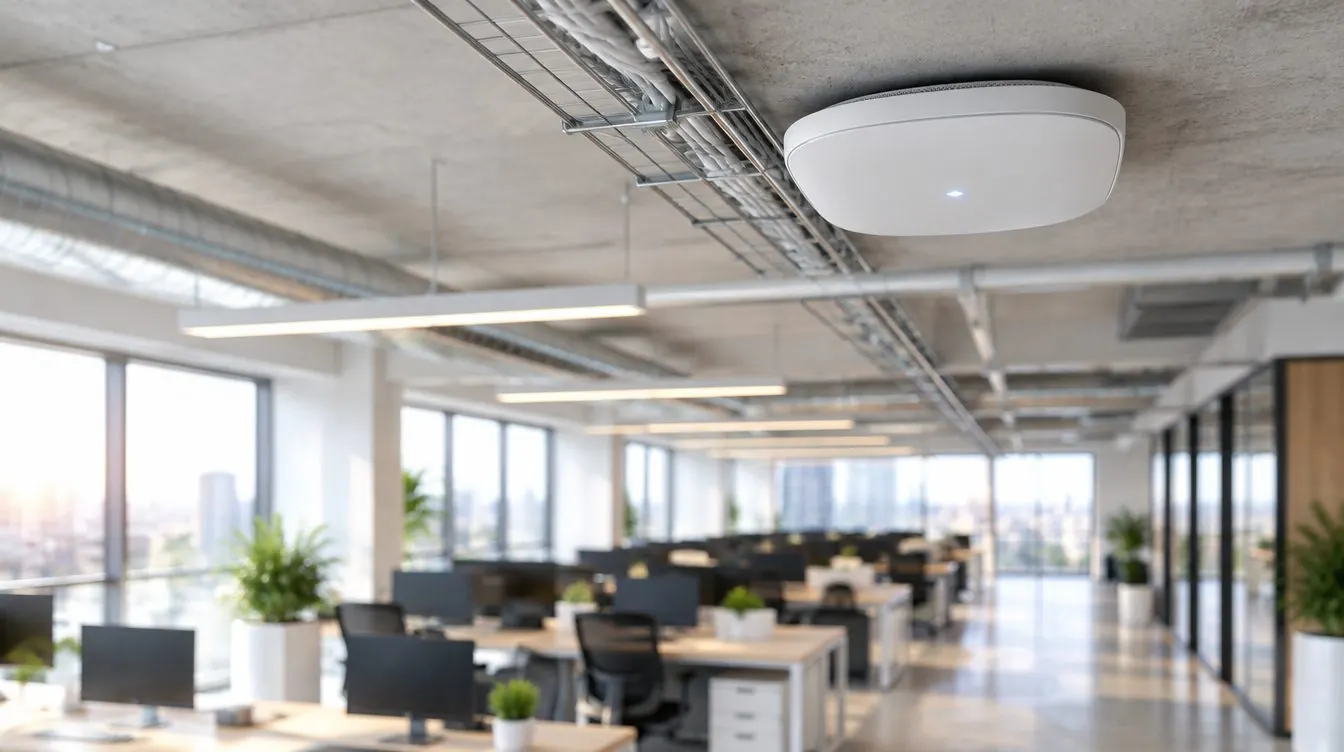
Networking and Wi-Fi
“The video freezes as soon as the room fills up.”
Switching, Wi-Fi and segmentation sized for video, AV-over-IP and PoE devices.
Get my network assessed →